

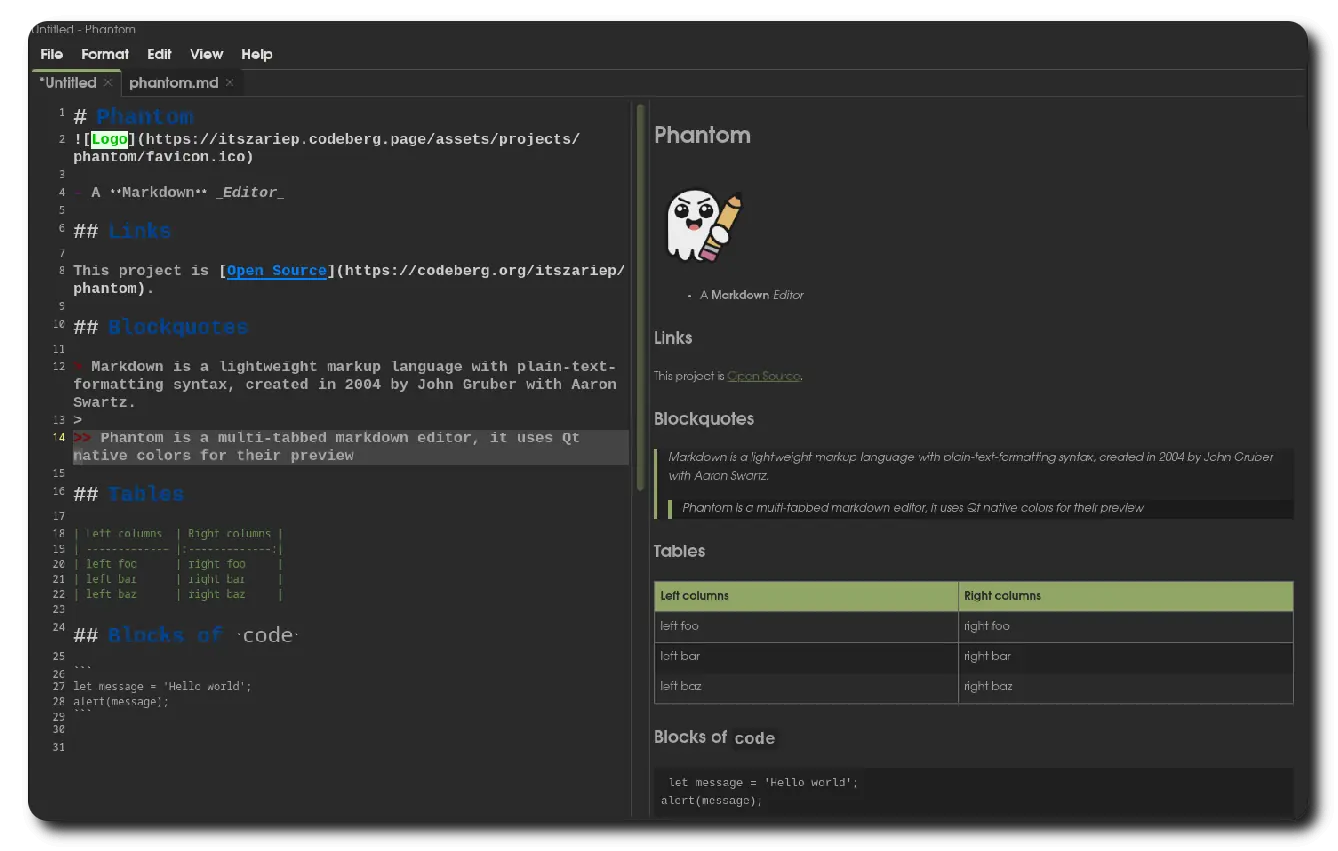
Phantom
A multi-tab Markdown editor with live preview
Build
Dependencies:
Qt6Qt6-webenginecmark-gfmCMake(build only)ImageMagick(Windows-build only)
Build instructions:
Clone the repository
git clone --recurse-submodules https://codeberg.org/ItsZariep/Phantom
cd Phantom
Build/Install
Linux
- Build
cmake -B build-linux  -DCMAKE_BUILD_TYPE=Release
cmake --build build-linux -- -j$(nproc)
- Install
cmake --install build-linux
- Windows (MinGW)
cmake -G Ninja -B build-windows -DWITH_QTWEBENGINE=OFF
MSVC is untested, but it should be able to build with Qt WebEngine
Packaging
dpkg/rpm packagers can use:
cpack -G DEB --config build/CPackConfig.cmake # or -G RPM
Why?
Most Markdown editors I’ve used only allow opening a single file per application instance. This becomes inefficient when working with multiple documents, as each instance consumes a significant amount of system resources.
Phantom solves this problem by supporting multiple tabs and using a shared preview widget, keeping memory usage low even with the more demanding QtWebEngine backend.
So, even with 100+ files opened, Phantom will likely use less than 500MB, or less than 1GB with 1000+ files opened (Extreme: not recommended) cases.
Preview Backends
Phantom supports two preview rendering backends:
QTextEdit
- Lightweight and fast
- Minimal resource usage
- Limited Markdown feature support
QtWebEngine
- Heavier and slower
- Much better Markdown compatibility
- Utilizes
cmark-gfmfor rendering
Backend Switching
Only one backend can be active at a time: Users must restart Phantom when switching backends.
This limitation avoids using unnecessary ram since only one backend is loaded to memory.
QtWebEngine can consume up to 300% more memory than QTextEdit.
Why the Name “Phantom”?
Before developing Phantom, my preferred Markdown editor was KDE Ghostwriter. Phantom is a direct reference to that.