

OpenNavBar
Open source alternative navigation bar for Android.

Download


Features
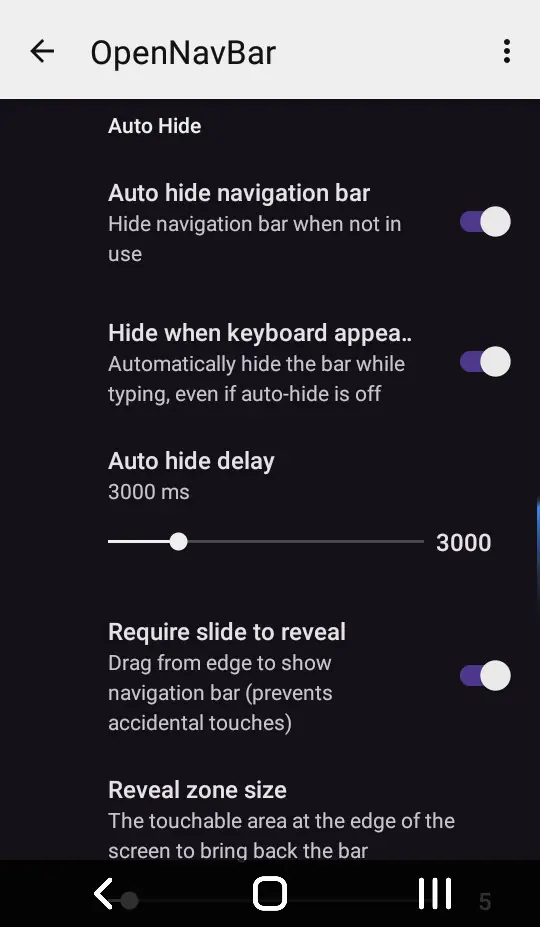
- Auto-hide
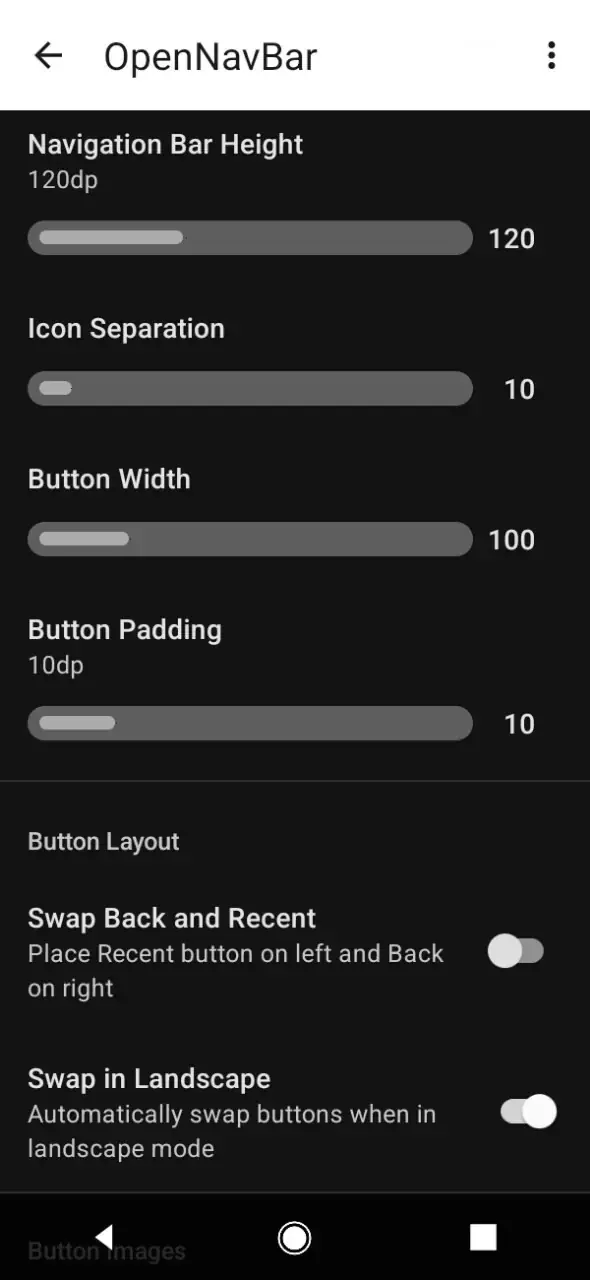
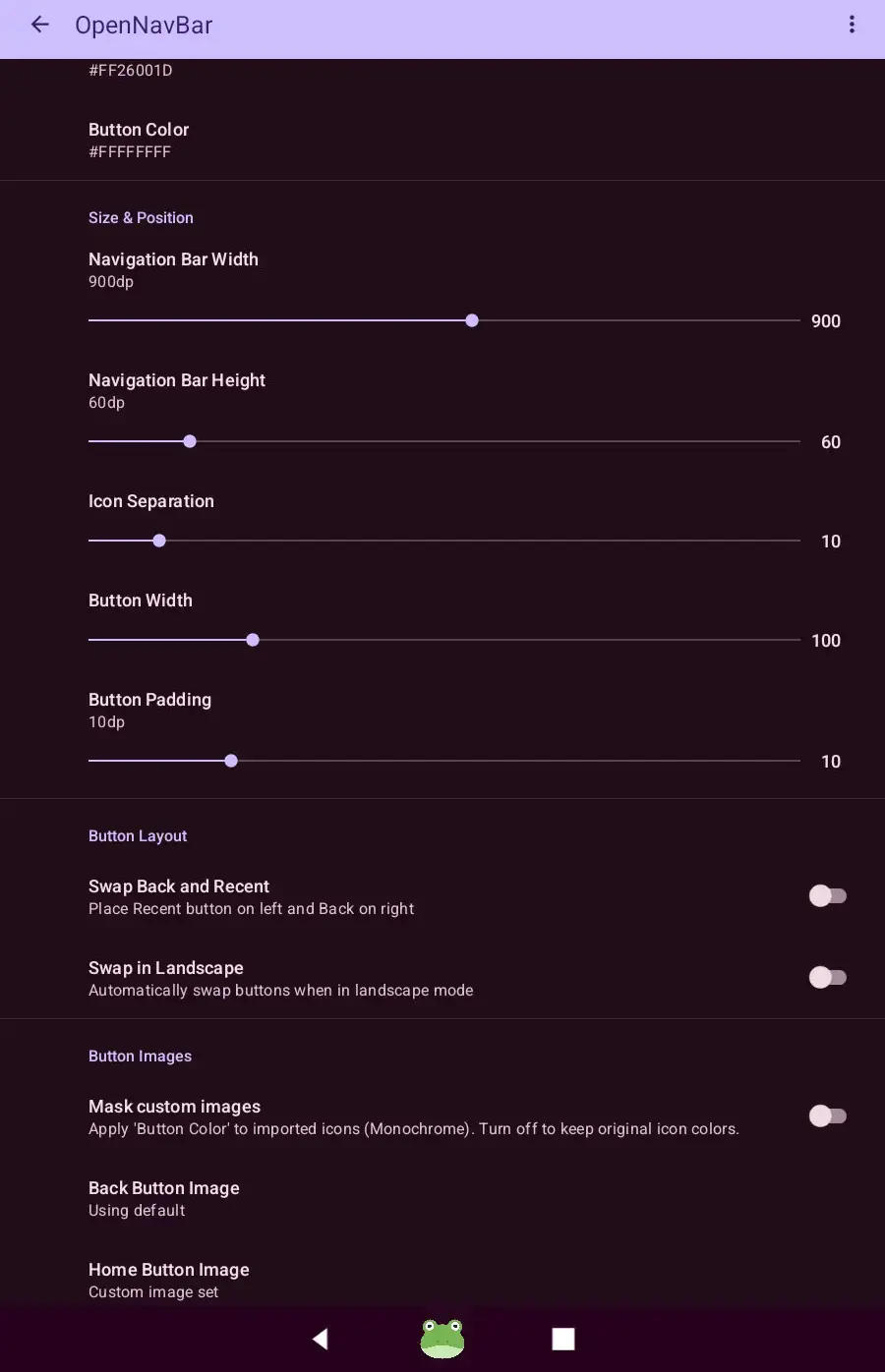
- Custom images (you can download some from ONB Wiki)
- Custom long-press actions
- Custom width, height and colors
- Low resource and storage usage
Requirements
- Android 7.0 or above
- 4 MB storage
Monet theming is supported on Android 12 and above.
Some actions may require highest android versions (unsupported actions are hidden) (See Android version differences).
Recommended Installation Steps
If your device does not have a fully functional navigation bar, follow these steps to set up the app:
- Download the APK: Download the latest version using an Option listed above.
- Install the App: Open the downloaded file and follow the installation prompts.
- Request Permissions: Open the app and attempt to grant the required permissions. If you are on Android 13 or higher, you may find certain toggle switches “greyed out” (Restricted Settings).
- Enable Restricted Settings:
- Return to the app and tap the “Go to App Info” button.
- Tap the three-dot menu (top-right corner) and select “Allow restricted settings.”
- Use the back button to return to the app.
- Activate Services: Grant the Notification and Accessibility permissions as prompted.
- Enable the Bar: Toggle the main switch to activate the navigation service.
Build
Prerequisites
- Java Development Kit (JDK): Version 17
- Android SDK: API Level 35
- Gradle
1. Generate a Signing Key
Before you can create a production build, you need a Keystore file (.jks). Run the following command in your terminal to generate one:
keytool -genkey -v -keystore app/my-release-key.jks -keyalg RSA -keysize 2048 -validity 10000 -alias zariep
[!IMPORTANT] This command will prompt you for a password. Set a password and keep note of the Alias you choose.
The file
my-release-key.jkswill be created in the root directory
2. Configure Secrets (local.properties)
To keep your passwords out of version control, place your secrets in the local.properties file. Create a file named local.properties in the root directory of the project and add the following lines:
RELEASE_STORE_PASSWORD=111111
RELEASE_KEY_PASSWORD=111111
RELEASE_KEY_ALIAS=zariep
Replace
111111with your password andzariepwith your alias
local.propertiesand*.jksare excluded from version control by default
Build
Debug Build (For Development)
This target doesn’t actually require any of the steps described above.
To build an APK for testing on your own device:
./gradlew assembleDebug
Output: app/build/outputs/apk/debug/app-debug.apk
Production Release Build (Stripped & Signed)
This target requires the steps described above.
To generate the final, optimized, and signed production APK:
./gradlew assembleRelease
Output: app/build/outputs/apk/release/app-release.apk