

Chromium Dark Mode Manager
Manage Chromium’s native dark mode on a per-site basis using RegExp rules and dark element fixes.

[!NOTE] Since this extension relies on a Chromium feature, it is not available on Firefox-based browsers.
Features
- Use Chromium’s native dark mode
- Manage exclusions with RegExp rules
- Dark element fixes
- Optionally keep dark scrollbars, inputs, and checkboxes when disabling dark mode
- Sync across browser accounts; import/export is also available
Install and/or Use
Web Store
Dark Mode Manager is available in the Chrome Web Store
Manual
- Go to the Releases section and download a ZIP file.
Chromium/Chromium-based browsers
- Open
chrome://extensions/ - Enable
Developer Mode - Drag and drop
chromium-dmm-x.x.zipfrom your file manager into the Extensions page - Open
chrome://flags/#enable-force-darkand enableAuto Dark Mode for Web Contents
Usage
- Go to chrome://flags/#enable-force-dark (copy link) and make sure
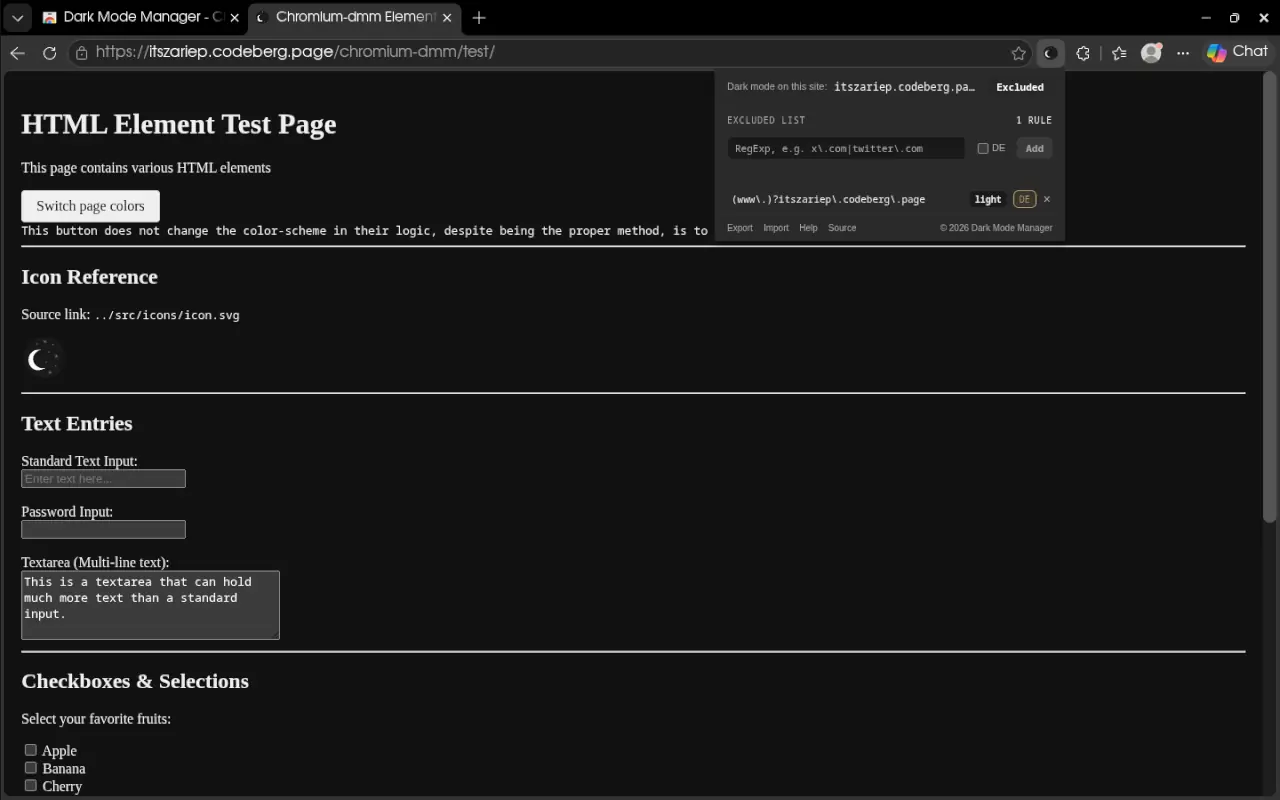
Auto Dark Mode for Web Contentsis enabled - While browsing, find a webpage that you do not want to use dark mode or one that appears broken in dark mode. You can test This page, Other sites that are usually broken are Discord (Channel images) or WhatsApp (Stickers)
- Click the extension button and, in the popup, click the
Includedbutton, or add it manually - The entry will then appear in the Exclusions list. You can modify its RegExp rule by clicking it, toggle dark/light mode, or enable/disable dark elements